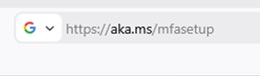
To start the 2fa setup there go to - https://aka.ms/mfasetup
Sign into your account: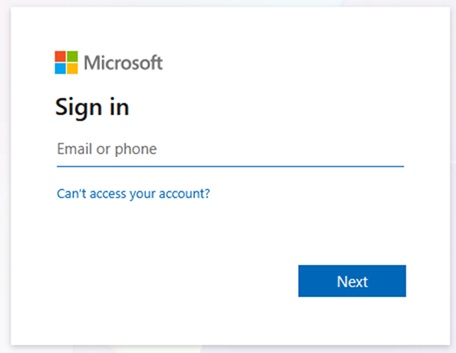
You will be prompted to start the setup of the 2fa service: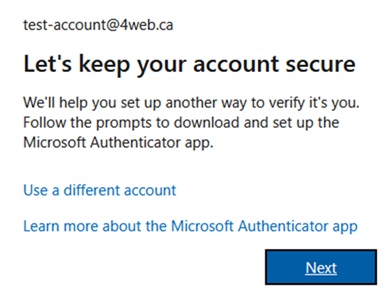
Install the Microsoft Authenticator App on your phone: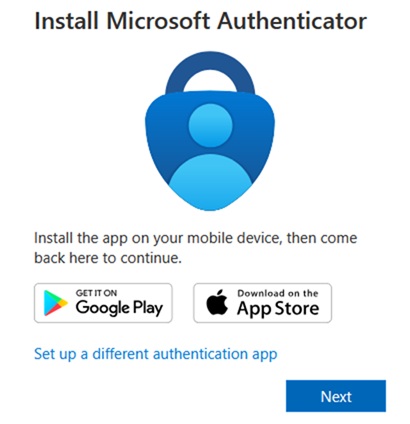
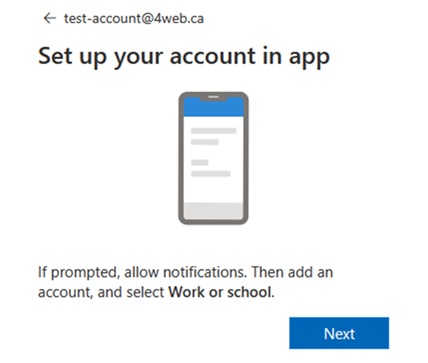
Open the authenticator app, click the Scan QR code button, and scan the QR code on your screen.|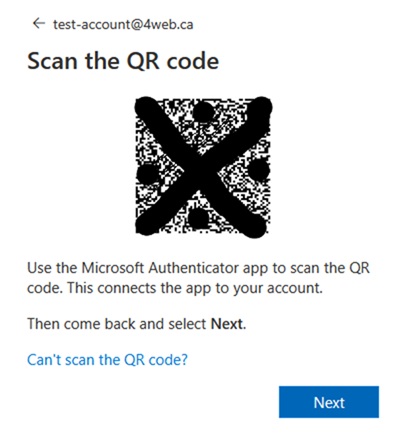
Once scanned the system will give you a number on the screen to enter on your app: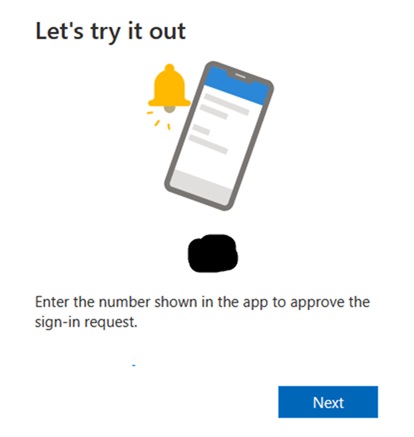
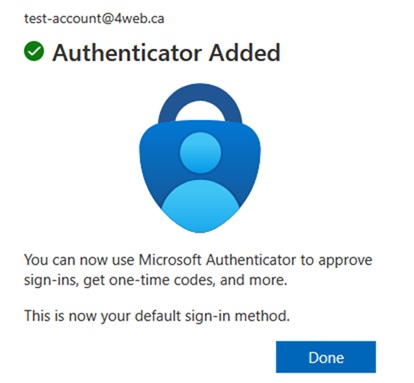
If you’ve entered the correct number then you successfully setup MFA for your account: